> ## Documentation Index
> Fetch the complete documentation index at: https://twillot.mintlify.site/llms.txt
> Use this file to discover all available pages before exploring further.
# Folders
> Organize X/Twitter bookmarks into folders
Twillot supports bookmark categorization, allowing you to group bookmarks for easier management.
X/Twitter also offers a folder feature, but it is not free.
## Create a Folder
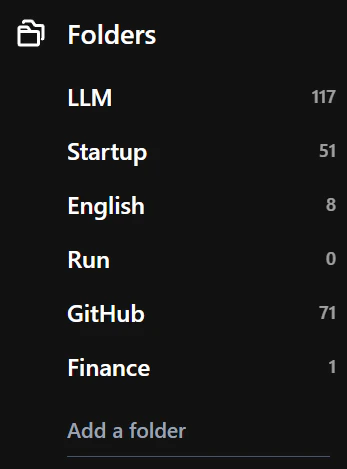
In the left navigation under Folders, enter your folder name in the input box at the bottom and press Enter to create a folder.
 ## Delete a Folder
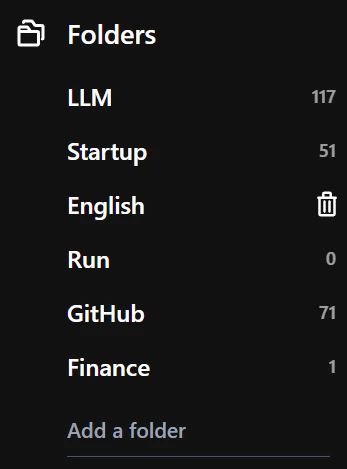
In the left navigation under Folders, find the folder you want to delete, hover over it, and click the trash icon to delete the folder.
## Delete a Folder
In the left navigation under Folders, find the folder you want to delete, hover over it, and click the trash icon to delete the folder.
 Deleting a folder will not delete the bookmarks within it. The bookmarks will
be moved to the default folder (Unsorted).
## Move a Single Bookmark to a Folder
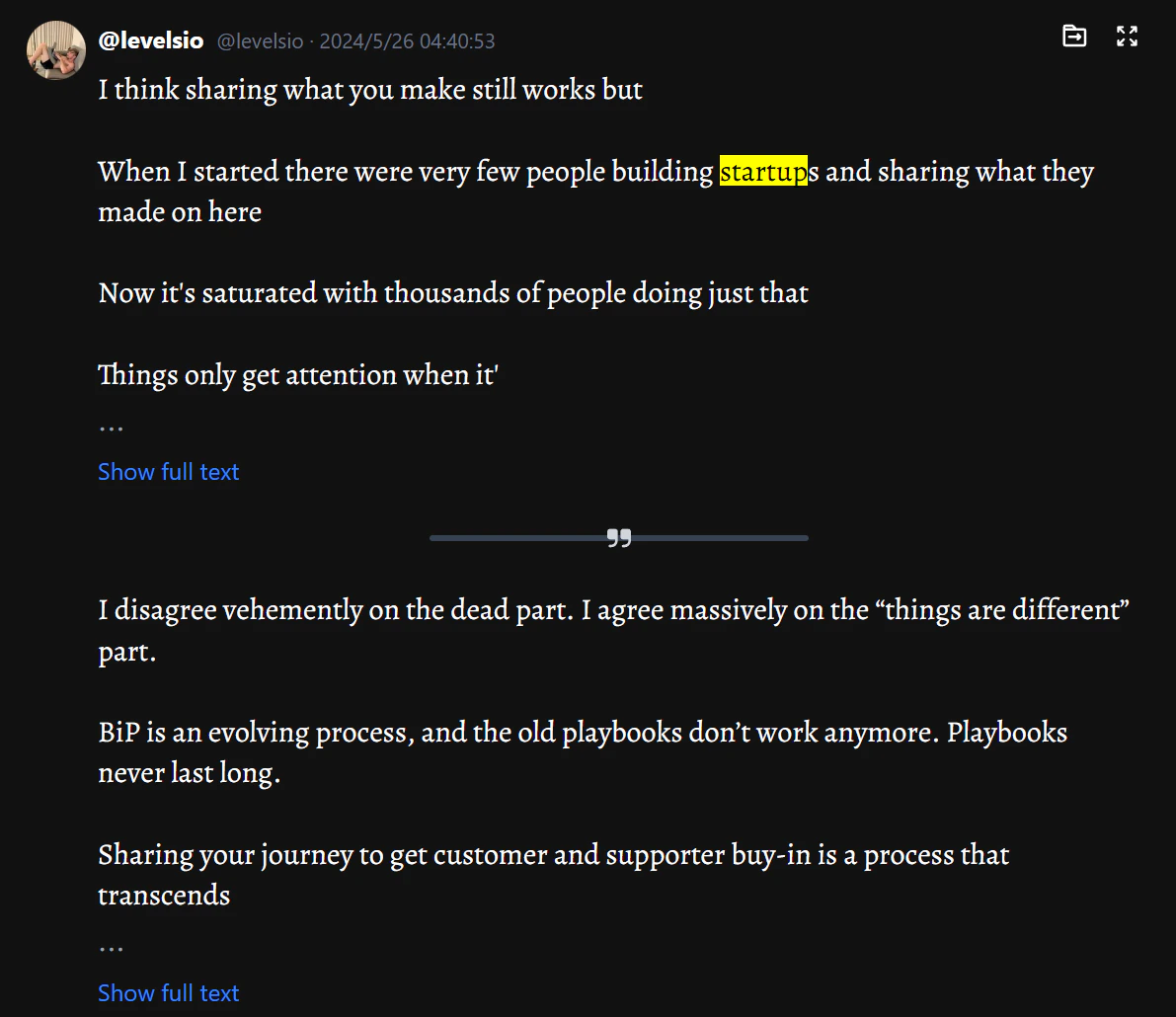
In the bookmark list item, click the folder move icon and select the corresponding folder to move it.
Deleting a folder will not delete the bookmarks within it. The bookmarks will
be moved to the default folder (Unsorted).
## Move a Single Bookmark to a Folder
In the bookmark list item, click the folder move icon and select the corresponding folder to move it.
 ## Batch Move Multiple Bookmarks to a Folder
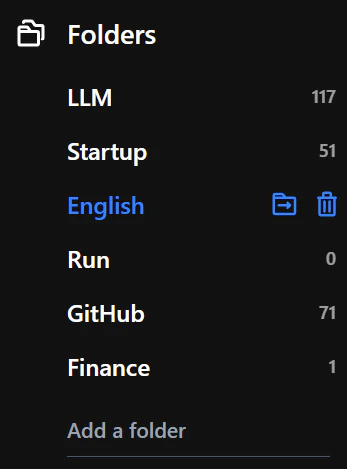
After entering a keyword search, hover over the folder name under Folders on the left, and click the folder move icon to batch move bookmarks to that folder.
## Batch Move Multiple Bookmarks to a Folder
After entering a keyword search, hover over the folder name under Folders on the left, and click the folder move icon to batch move bookmarks to that folder.
 ## Folder Sync
Twillot will automatically sync the folders you create in X/Twitter, along with the bookmarks within them. This sync process is one-way, meaning it only syncs from X/Twitter to Twillot. Folders created in Twillot will not automatically sync to X/Twitter.
If you have other ideas about this feature, please go to
[Community](https://x.com/i/communities/1796857620672008306) to discuss.
## Folder Sync
Twillot will automatically sync the folders you create in X/Twitter, along with the bookmarks within them. This sync process is one-way, meaning it only syncs from X/Twitter to Twillot. Folders created in Twillot will not automatically sync to X/Twitter.
If you have other ideas about this feature, please go to
[Community](https://x.com/i/communities/1796857620672008306) to discuss.